

- Categories: Android Games/ eFootball 2027
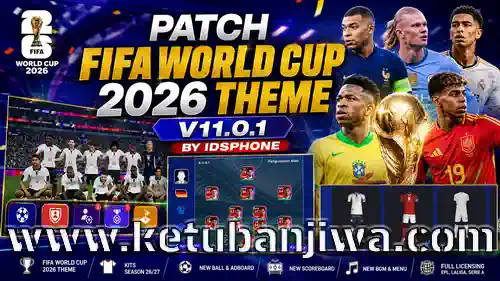
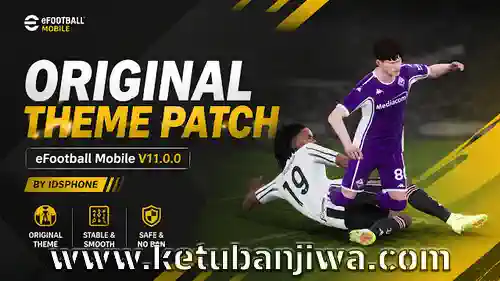
Download eFootball 2027 Mobile Patch v11.0.1 FIFA World Cup 2026 Themes
FEATURES :
Fixed Installation Errors on Low-End Android Devices
– WC_Patch™ 11.0.1 (311000001)
– Variant: arm64-v8a
– Minimum Android: 7.0+
Kits Season 26/27
New Adboard For Low/Standar Graphics
New Adboard For Stadium Costum
Madrid Away Collar Fix
Man City Away Yellow Font Fix
Fix Bug — Madura United
Real Madrid GK Update
Persela Font Update
Fix Juventus Force Close
MU, Barcelona, Inter, Milan & Dortmund — Original Kits 26/27 (Konami)
PSG 26/27 Kits & GK Config Update
Line Up Fix Efootball 27
Liverpool Color & Long Sleeve Fix
Chelsea Home Long Sleeve Fix
Juventus GK & Long Sleeve Fix
Real Madrid GK & Away Update
New Intro & Optimized
National Teams
Austria, Denmark, Scotland, Sweden, Chile, Colombia, Ecuador, Paraguay, Canada, Mexico, USA, South Korea & Indonesia.
Classic Kits Added
Manchester United 1998
France 1998
England 1998
NEW CONTENT
Update Adboard Movie Old Traford, Emirates, CampNou, & Konami Stadion
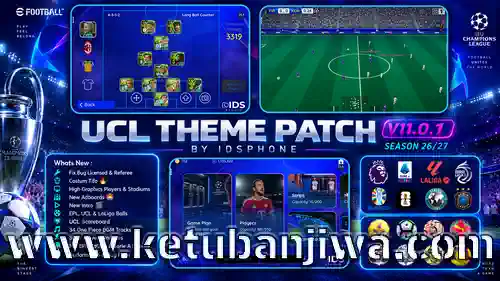
New Ball: Worldcup
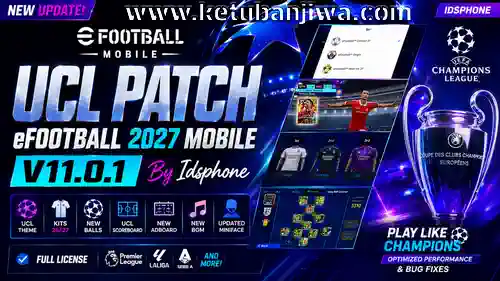
UCL Theme & Scoreboard
Custom BGM Special World Cup
WC Movie Adboards
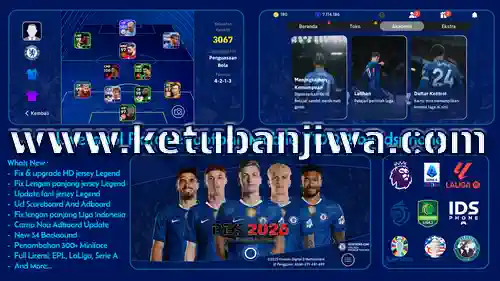
Full Licensing: EPL, LaLiga & Serie A
Update Liga 1 & Liga 2 Indonesia
Classic & Retro Jerseys
FIXES
Support versi terbaru
Fix Gameplan Attack & Defend
Bug fixes
Optimized for Medium & Low Graphics
Kits License (Full Licensing)
This patch brings full licensing, including team names, official logos, and new kits for:
Premier League
Serie A
La Liga
Scottish Premiership (Classic Kits/Retro)
Meiji Yasuda J1 League (Indonesian League 1)
AFC Champions League Elite (Indonesian League 2)
HOW TO INSTALL :
1. Download Patches
Download all patch files via the provided download links.
2. Extract Files
Use ZArchiver or RAR to extract all the downloaded files.
3. No Need to Uninstall the App
The patch can be installed directly without uninstalling the original eFootball app from your device.
4. Install the Patch APK
Install the Patch APK file as usual and wait for the installation process to complete.
5. Install Assetpack / Database
Use the MT Manager app to install the Assetpack or Database files into the game’s patch folder.
6. Watch the Tutorial If Unsure
If you encounter difficulties during the Assetpack installation process, please watch the full tutorial on the Idsphone YouTube channel.
7. Log in via Konami ID
Perform a Data Transfer using your Konami ID to restore your account and game data to their previous state.
CREDITS:
Idsphone, Trizr, Amir, STPN — for tools and their valuable contributions!
Credits Kits
Carlox Kit Maker, NonoKitmaker, Meryo, BAU
DOWNLOAD LINK :
ORIGINAL AUTHOR LINK : DOWNLOAD HERE
========================================
NEW UPDATE EA EPL THEMES : DOWNLOAD HERE



Join the Discussion!