

- Categories: Android Games/ EA Sports FC 26
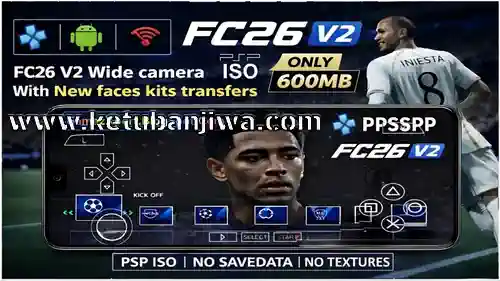
Download EA Sports FC 26 v2 AIO PPSSPP Android Offline ISO Full Winter Transfer Season 25/26
GAME INFORMATION :
Game Name: EA SPORTS FC26 V2 PSP
Genre: Sports / Football (Soccer)
Publisher: EA Sports (Mod Version)
Updated on: February 2026
Camera: Wide Camera (PS5 Style)
Languages: English
Console: Sony PSP
Emulator: PPSSPP
Supported Devices: Android, iOS, PC (via PPSSPP Emulator)
File Type: ISO
Size: 588MB
FEATURES :
This update focuses on better stability and clean gameplay instead of heavy graphics.
Visual Improvements
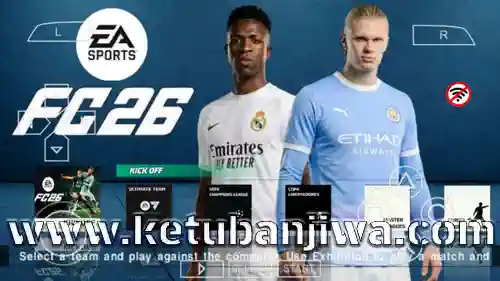
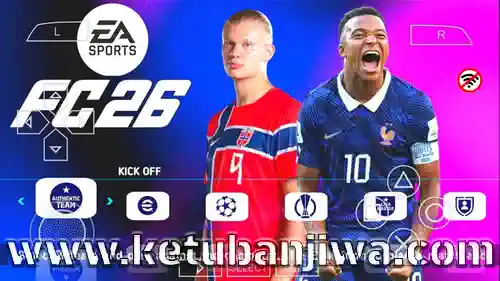
New FC 26 style menu
Clean and clear interface
Updated scoreboard
Improved stadium adboards
Gameplay Improvements
Better match stability
Reduced lag and crashes
Smooth gameplay on most devices
Kits, Faces, and Stadiums
New 2026 season kits
Updated mini kits
Many new player faces
Improved crowd view
Latest Transfers Added (2025/26)
This version includes many popular transfers, such as:
Mbappé to Real Madrid
De Ligt to Manchester United
Zirkzee to Manchester United
Dani Olmo to Barcelona
Morata to AC Milan
João Félix to Chelsea
Cancelo to Al Hilal
Squads, formations, and player ratings are also updated.
Leagues and Competitions
Club Leagues
Premier League
La Liga
Serie A
Bundesliga
Ligue 1
Tournaments
UEFA Champions League
UEFA Europa League
Graphics Quality
The graphics are optimized for PPSSPP:
HD menu design
Improved pitch grass
Better lighting
Wide camera support
You can increase graphics quality using PPSSPP settings based on your phone performance.
No Texture Problem – Explained Simply
Texture problems usually happen because:
Savedata is missing
Files are placed in the wrong folder
PPSSPP version is outdated
This version is tested to work properly when files are placed correctly.
Device Requirements :
Android 5.0 or higher
ZArchiver app for file extraction
Minimum 1GB free storage
4GB RAM recommended for smooth play
HOW TO INSTALL :
Installation Guide:
Download FC26 V2 PSP ISO file from link Below.
Extract the files using ZArchiver
Move the ISO file to PSP > GAME folder.
Open PPSSPP emulator select the game and start playing!
Best Recommended PPSSPP Settings
Use these settings for best performance
Buffered Rendering: ON
Rendering Resolution: 2x or 3x
Hardware Transform: ON
Frameskip: OFF (if device supports)
Adjust controls as you like
These settings help reduce lag and give smooth gameplay.
CREDITS :
@Chelito19 | @Blezz Patch | @Joeland @Auvergne 81 Kit Maker.
DOWNLOAD LINK : DOWNLOAD HERE






Join the Discussion!